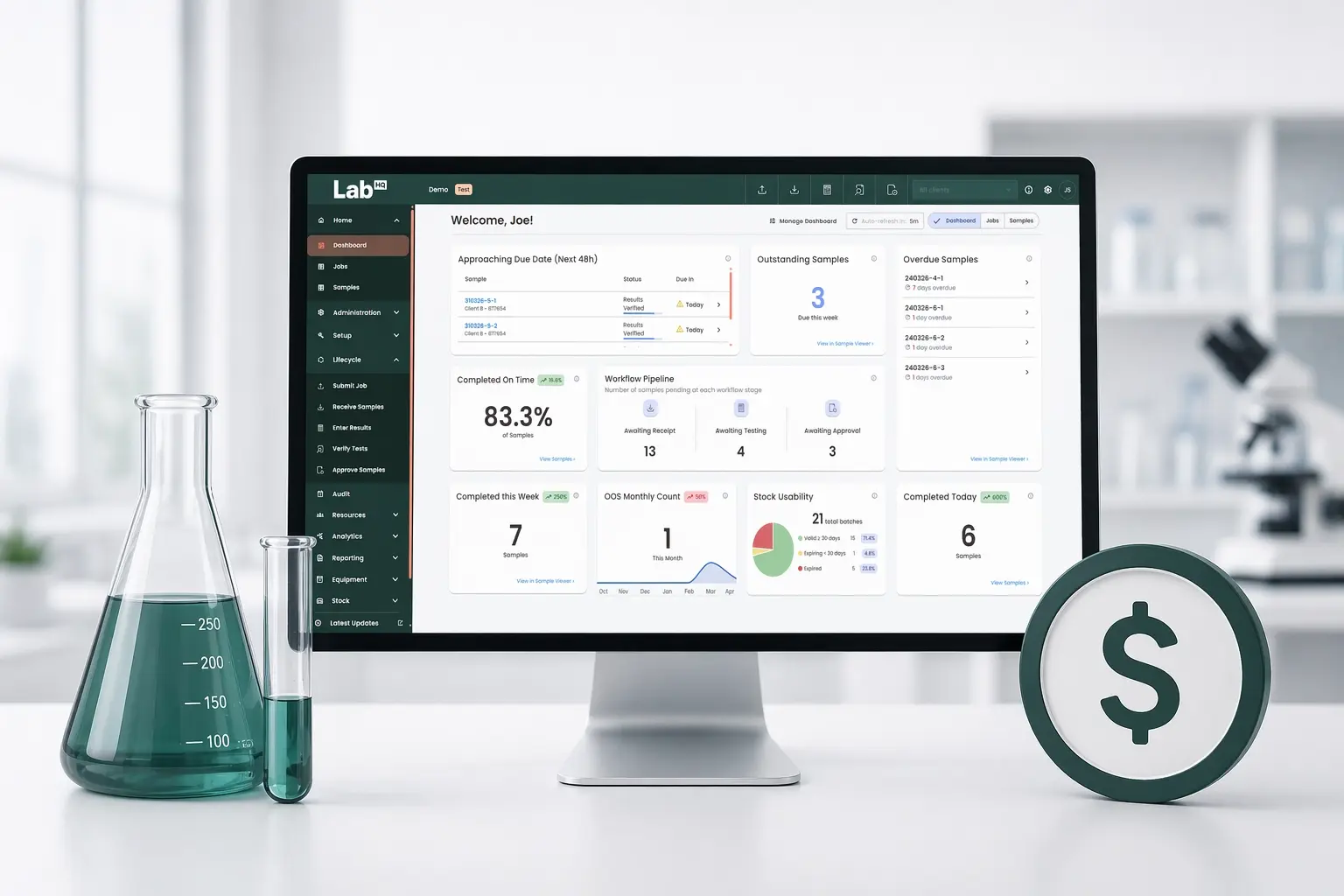
LIMS Requirements Checklist 2026 — A Practical Guide for Labs
The right LIMS simplifies your lab. The wrong one creates more work. Get the requirements right and your LIMS becomes an engine for efficiency, compliance, and data quality - get them wrong and you end up managing a system that works around your lab rather than for it.
This guide provides a checklist of LIMS requirements to consider before implementation - from user requirement specifications (URS) and functional requirements through to regulatory compliance, data migration, and cloud deployment considerations.
LIMS Requirements at a Glance:
• User Requirements (URS): Define what users at every level need the LIMS to do.
• Functional Requirements: Document how the system will meet those needs - sample management, workflow automation, and reporting.
• System Requirements: Specify deployment model, integrations, and performance criteria.
• Regulatory Compliance: Confirm the system supports the standards relevant to your lab - ISO, GMP, or FDA 21 CFR Part 11.
• Data Migration: Plan how existing data will be transferred, mapped, and validated before go-live.
• Validation: Plan for testing and documentation before deployment.
Functional vs System Requirements in LIMS
When defining your LIMS requirements, it’s important to distinguish between functional and system requirements - both are essential for successful implementation.
Functional requirements describe what your LIMS should do. These typically include:
- Sample tracking and management
- Workflow automation and workload management
- Test scheduling and result entry
- Data reporting and Certificates of Analysis (CoAs)
- Audit trails and electronic signatures for compliance
System requirements outline how the LIMS will operate behind the scenes. These cover:
- Deployment model - cloud-based SaaS or on-premise
- Integration with existing lab instruments or ERP systems
- Data storage, backup, and security protocols
- Hardware and software compatibility
- User access controls and performance expectations
Together, these form part of your LIMS user requirement specification (URS) and provide the foundation for selecting, validating, and scaling your LIMS effectively.
Step 1: Define LIMS User Requirements (URS)
Start by mapping out who will use the system and what each role needs it to do. A URS that only reflects the lab manager's view often misses critical requirements from the people doing the work day to day.
Typical user groups to include:
- Lab Manager - workload visibility, SLA tracking, and resource allocation
- Lab Analyst / Technician - sample login, test scheduling, result entry, and exception flagging
- QA / Compliance - review workflows, audit trails, electronic signatures, and SOP adherence
- IT / System Administrator - user access, integrations, and system updates
- External Users / Clients - sample submission and result retrieval via a client portal
Capturing requirements at this level prevents the most common LIMS failure: a system that satisfies procurement but frustrates the people using it daily.
Step 2: Ensure Regulatory & System Requirements
If your lab needs to comply with regulatory standards such as FDA, GxP, and ISO, then so does your LIMS. This includes having features like electronic signatures, audit trails, and data integrity measures in place. Confirm which specific standards the system supports and how.
FDA 21 CFR Part 11 - governs electronic records and signatures. Your LIMS must have a full audit trail, secure e-signatures, and controls to prevent unauthorised record alteration.
GMP & GLP - require consistent documentation, version-controlled procedures, and traceable data. Your LIMS should enforce these through normal workflows, not manual compliance.
ISO 17025 - requires validated testing methods, accurate measurement records, and result traceability. Essential for accredited testing and calibration labs.
ISO 9001 - the general quality management standard. A LIMS should support this through standardised workflows and reporting.
MHRA / HPRA / HIPAA - relevant for UK-regulated pharmaceutical labs, Irish health products, and any lab handling patient data. Requirements overlap significantly with GMP and FDA 21 CFR Part 11 on data integrity.
Step 3: Plan for Data Migration & Validation
Develop a comprehensive plan for migrating your existing data to the new LIMS. A solid migration plan covers: a data audit of what exists and where; data mapping from old fields to new; cleansing to resolve duplicates and inconsistencies before migration; and validation of migrated data in the new system before go-live.
If your lab is moving from spreadsheets, allow significant time for cleansing. Data that works in a spreadsheet often needs restructuring to function properly in a LIMS.
Related: LIMS Deployment - Checklist for Successful LIMS Deployment
Step 4: Integration with Existing Systems
Check that the LIMS can integrate seamlessly with your existing lab instruments and software. Key points to consider: which lab instruments generate results that need to flow directly into the LIMS; whether the system needs to connect with an ERP or quality management system; and for contract labs, how client sample submissions are handled.
Step 5: Cloud vs On-Premise - System Requirements
One of the most consequential requirements decisions is deployment model. It affects your hardware needs, IT resource, cost structure, and long-term maintenance.
Cloud-based (SaaS) LIMS - hosted and maintained by the vendor. No on-site servers required. Users access the system via a web browser. Updates, backups, and disaster recovery are handled by the provider, significantly reducing IT overhead and deployment time.
Key questions to ask a SaaS vendor: What are your uptime SLAs? Where is data hosted? How are updates validated before go-live?
On-premise LIMS - installed on your own infrastructure. Hardware requirements typically include a dedicated server, database environment, and compatible client machines. On-premise gives greater infrastructure control but requires in-house IT resource for maintenance and patching.
LabHQ is delivered entirely as SaaS - no servers required.
Step 6: Scalability, Support & Security
Scalability - if you plan on expanding your lab, then your LIMS needs to be able to scale with your lab's growth and adapt to changing requirements. Choose a system that can add users, test types, or capacity without a major reconfiguration project.
Training & Support - plan for training before go-live and confirm what ongoing support is included: response times, support channels, and access to documentation for new staff.
Security & data integrity - your LIMS should include multi-factor authentication, role-based access controls, tamper-proof audit trails, version control with draft/review workflows, data encryption, automated backups, and electronic signatures where required.
Step 7: Budget & Long-Term Costs
Total cost of ownership often extends beyond the licence fee. Factor in implementation, training, data migration, and support. For on-premise systems, add hardware and IT maintenance costs. Cloud-based SaaS LIMS typically offer a more predictable subscription structure that covers hosting, updates, and support - removing many of the hidden costs that make traditional implementations expensive over time. See LabHQ Pricing.
Step 8: Future-Proofing - Data Readiness
When gathering LIMS requirements in 2026, it is worth asking whether the system you choose will support your data strategy long-term. Labs that have clean, structured, consistently formatted data are better positioned to benefit from advances in analytics and reporting tools - regardless of which vendor develops them first.
Practical questions to ask any vendor: Is data stored in a structured, queryable format? Can results be exported for analysis in external tools? Does the system have an API for connecting to third-party reporting tools?
Considering your LIMS Requirements? Get in Touch
Contact our team to talk through the requirements for your lab - or explore the LabHQ product to see how we address them.
Frequently Asked Questions about LIMS Deployment
What are user requirement specifications (URS) in LIMS?
A URS defines what your lab needs from a LIMS before implementation begins. It documents the needs of every user group - lab managers, analysts, QA, and IT - along with system-level requirements like integrations, security, and compliance. It becomes the benchmark for evaluating vendors and validating the final system.
What are functional and system requirements in LIMS?
Functional requirements describe what the LIMS must do - sample tracking, result management, workflow automation, CoA generation, and audit trails. System requirements describe how it operates - deployment model, integrations, data storage, and access controls.
What LIMS features are required for GMP compliance?
For GMP compliance, your LIMS must support full audit trails, electronic signatures, version-controlled documentation, and role-based access controls. It should prevent unauthorised changes to records and provide a clear chain of custody for all samples and results. FDA 21 CFR Part 11 compliance is additionally required for electronic records and signatures in FDA-regulated environments.
What are the hardware requirements for a LIMS?
This depends on the deployment model. For a cloud-based SaaS LIMS, hardware requirements are minimal - users access the system via a standard web browser with no on-site servers needed. For on-premise LIMS, requirements vary by vendor but typically include a dedicated server, database environment, and compatible client machines.
What is ISO 17025 and what does it require from a LIMS?
ISO 17025 is the international standard for testing and calibration labs. It requires validated testing methods, accurate and traceable measurement records, and documented procedures. A compliant LIMS should provide version-controlled test methods, full result traceability, and documentation that supports accreditation audits.
How do we handle data migration during LIMS implementation?
A data migration plan should cover mapping existing data to the new system's structure, cleansing duplicates and inconsistencies, validating transferred data for accuracy, and running both systems in parallel briefly to catch discrepancies before full go-live.